
It’s Monday morning, and your phones have been forwarding to an answering service since you closed on Friday.
Over the weekend, a new client called to book Tuesday at 4pm. A regular needed to move Thursday’s appointment. Someone else said it was urgent.
So what happened to each of them?
Is Tuesday at 4pm in your calendar, or in a message asking you to book it?
Did Thursday’s appointment move, or did the request get written down for later?
Who got the urgent call, and did they pick up?
Any after-hours answering service will pick up the phone. What separates them is how much of each call is finished by the time you reopen, and how much comes back to your team as Monday’s to-do list.
That’s true whether a person or an AI answers, and it’s how this guide compares them.
If you want evenings and weekends covered without a backlog waiting on Monday, you’re in the right place.
In this guide, we’ll cover:
- 7 services and the after-hours situation each one fits
- What a booking or an urgent handoff can actually complete before you reopen
- How per-minute and per-call billing, and the follow-up left with your team, change the real cost
But first, let’s settle who picks up when you’re closed.
Who answers when your business is closed?
One of three things answers a call when you’re closed, and which one it is decides what happens to the caller’s request. Take a caller who wants to move Thursday’s appointment to Friday:
- A live receptionist follows the script you gave them. That might mean taking a message, sending a booking link or working inside a scheduling tool.
- An AI receptionist answers, routes the call and books where it’s been set up to. The request becomes a calendar change or a message, depending on that setup.
- Voicemail records the request. Nothing changes until someone on your team calls back.
A “24/7” label doesn’t tell you which of these picks up after 6pm, or whether your calendar changes as a result. Some services mean people around the clock, and others mean people by day and AI by night.
So the question to ask is simple:
Who answers during the hours you’re closed, and what can they finish?
Overflow is a different trigger. It forwards calls when your desk is busy during the day, and the 7 services below are compared on the hours you’re closed.
7 best after-hours answering services for small businesses
Here’s who answers at each service after closing, what they can book and where pricing starts:
| Provider | Who answers after closing | Booking scope | Starting price |
|---|---|---|---|
| Smiledog | Managed AI receptionist, or a dedicated voicemail that emails messages | Books in your own software through an open API, or through a custom API connection Smiledog builds as a paid add-on | 60-day risk-free trial on annual plans. From $129/mo month to month for after-hours AI answering, or $99/mo billed annually (pricing varies by region) |
| AnswerConnect | Live receptionists, 24/7 | Appointments through Setmore, the booking software it supports | Quote-based |
| PATLive | US-based live receptionists, 24/7 | General appointment handling | $99/mo for 50 minutes |
| Ruby | Live receptionists, 24/7 | General appointment scheduling | $250/mo for 50 minutes |
| Smith.ai | AI after closing and people in the daytime, with live escalation you configure | Booking through Calendly, Acuity, Appointy or Harmonizely when a person answers | From $3.70/call for daytime people with after-hours AI |
| Abby | People, AI or both, as you configure | Scheduling, subject to your software | $164/mo for 50 Abby Minutes, a shared balance where a human minute uses one and an AI minute uses half |
| Moneypenny | Live receptionists, or a separate AI service | No calendar booking workflow described | $165/mo for 50 live minutes, or $99/mo for 50 AI calls |
1. Smiledog: Best for booking in your own software with managed after-hours AI
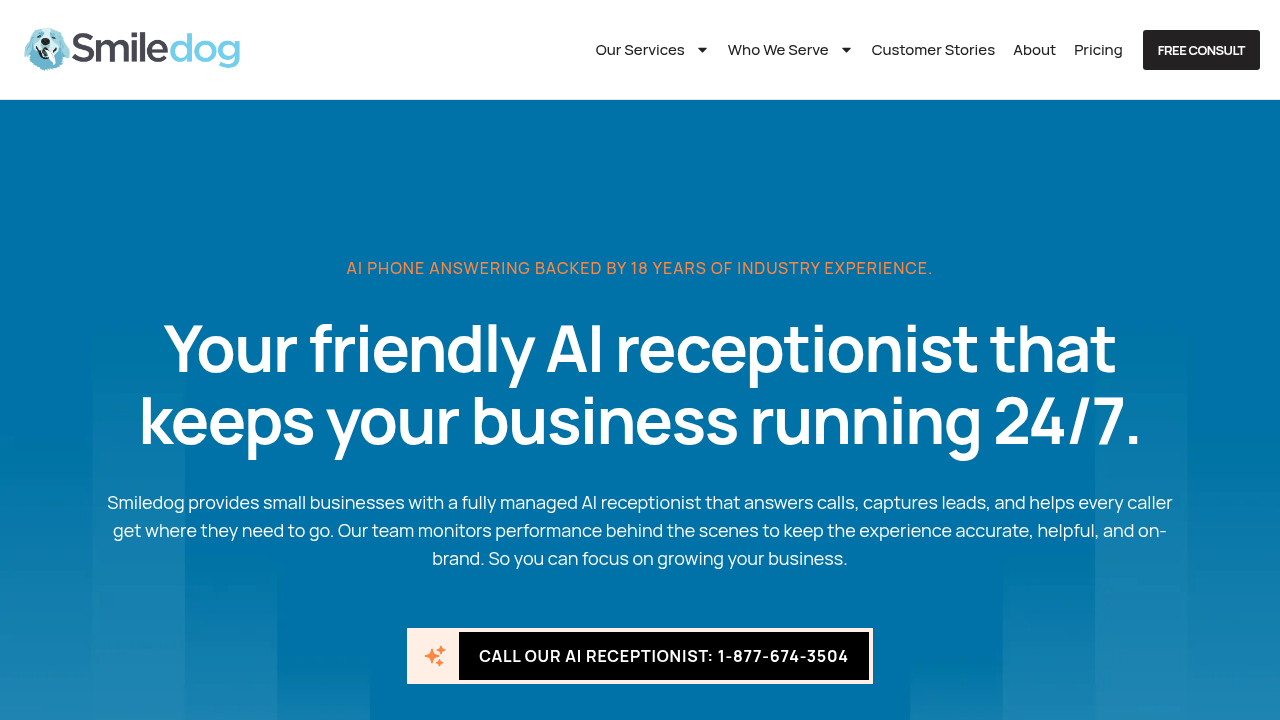
Smiledog is a full suite front desk service for small businesses and clinics. During our live hours (weekdays 7:30am to 8pm and Saturday 9am to 5pm Eastern), our scheduling specialists book inside your existing booking software.
After you close, a managed AI receptionist that we build and run takes your calls. It answers, routes and, once booking is set up, books into that same software.
What can you do with Smiledog?
- Have the AI receptionist book after hours inside your own booking system, through an open API or our custom API scheduling add-on, so a routine request ends as a finished result instead of a task to chase.
- Get routine questions answered after closing from the business instructions we build into your AI, so fewer inquiries wait for you in the morning.
- Decide which calls interrupt your evening by having the AI route urgent calls to the staff contact you name.
- Have calls the AI can’t resolve transferred to your staff or captured as messages for your team to follow up.
- Hand AI setup, maintenance and monitoring to a dedicated AI specialist, so you get a managed AI receptionist service instead of software to run yourself.
- Use our scheduling specialists during our live hours to book, move, cancel and waitlist appointments inside your existing calendar.
- Cover daytime calls with 100% Canadian-based receptionists during those same hours, so callers reach a person while you’re open.
What are Smiledog’s limitations?
- Outside our live hours, your calls go to the managed AI receptionist or to a dedicated voicemail that emails you each message. No Smiledog receptionist takes over after hours, so a transfer goes to the staff contact you name or becomes a message.
- The AI currently answers in English only, so it won’t suit a business whose after-hours callers need a second language.
- Booking through a custom API connection is a paid add-on that we scope separately, so it doesn’t come with AI answering by default.
- After-hours AI answering includes 100 minutes a month, with extra minutes billed on top. An annual plan cancelled after its 60-day trial pays 50% of the monthly base fee for each remaining month.
How does Smiledog’s pricing work?
The after-hours AI receptionist add-on is $129/mo month to month, or $99/mo billed annually, with 100 minutes included and a $199 setup fee. You can buy it on its own or add it to a live-reception plan. Booking through our custom API adds $69/mo, so that route runs $198/mo month to month or $168/mo billed annually. That’s US pricing as of 12 November 2026, and it varies by region.
Minutes are tracked by the second, spam calls are never charged, and additional minutes get cheaper as your volume grows. Terms are month to month or annual, with a 60-day risk-free trial on annual plans.
The bottom line
Smiledog is the right fit when you want routine after-hours bookings landing in the software you already use, and you want the AI built, monitored and maintained for you. Hand over the calls, and what comes back is finished bookings, urgent calls routed to the staff contact you named, and messages your team can act on first thing.
2. AnswerConnect: Best for live after-hours answering with technician dispatch
AnswerConnect puts people on the line 24/7, including weekends and holidays. Its after-hours workflow combines scheduled call forwarding with receptionists who help the caller, book appointments and dispatch a technician when your instructions call for it. That suits a trade or service business whose after-hours callers need to reach a person.
What can you do with AnswerConnect?
- Keep live receptionists on your line around the clock, so a Sunday evening call reaches a person.
- Forward calls automatically when you close, or manually when the desk is swamped mid-afternoon.
- Have caller details and lead information captured, so your team knows exactly who to call back.
- Book appointments through Setmore, the booking software its scheduling workflow supports.
- Transfer urgent calls or dispatch a technician under instructions you set, so time-sensitive jobs have an agreed destination.
- Give returning callers a more familiar conversation through caller recognition.
What are AnswerConnect’s limitations?
- Pricing and current usage terms only come through a sales quote, so there’s no public monthly figure to set beside the others on this list.
- Booking runs through Setmore, so direct changes in a different calendar you already use may not be available.
How does AnswerConnect’s pricing work?
AnswerConnect prices by sales quote instead of a published monthly rate. Its pricing page opens a quote form with no price shown, so you’d only see the billing unit, included allowance, setup charge and overage rates once its team quotes.
The bottom line
AnswerConnect fits when a person has to answer after closing and some of those calls need a technician on the road, with the dispatch running under instructions you agreed in advance. If your calendar lives somewhere other than Setmore, direct booking into it may not be available.
3. PATLive: Best for live appointment handling with US-based receptionists
PATLive’s US-based receptionists answer 24/7, and after-hours handling is included on every plan. After you close, a person answers callers’ questions and handles their appointments, and urgent requests follow the instructions you’ve set.
What can you do with PATLive?
- Have US-based receptionists answer nights, weekends and holidays, with bilingual support available.
- Forward calls on a schedule, or flip them over manually when your own team is tied up.
- Give callers answers to the questions you’ve configured, so routine inquiries don’t all turn into callbacks.
- Have messages and caller details captured for your team’s follow-up.
- Have appointments handled through PATLive’s scheduling workflow.
- Route urgent requests or technician dispatch according to your instructions.
- Try live coverage on a 14-day trial, with no contract and the option to change plans.
What are PATLive’s limitations?
- The $49/mo pay-as-you-go base, PATLive’s lowest monthly charge, includes no minutes, so every minute a receptionist spends on your calls is billed on top.
- Minute packages carry paid overages once the included allowance runs out.
- Appointment handling isn’t tied to named booking software, so direct booking into your existing calendar may not be available.
How does PATLive’s pricing work?
PATLive’s plans with minutes included start at $99/mo for 50 minutes, then $2.29/min. The $49/mo pay-as-you-go base includes no minutes and charges $2.99/min from the first call, so $49 isn’t what coverage actually costs.
The bottom line
PATLive fits when your after-hours callers mostly need a question answered or an appointment handled by a US-based person, with urgent instructions on file for the rest. The cost depends on how long those calls run, which decides whether the minute package or the pay-as-you-go base comes out cheaper.
4. Ruby: Best for live answering with shared call and chat visibility
Ruby’s live receptionists answer 24/7, schedule appointments and take caller details, and Ruby sells live chat alongside. What sets it apart is visibility. Call and chat activity show up in one shared dashboard, so on Monday your team picks up phone and website conversations from the same place.
What can you do with Ruby?
- Have live receptionists answer around the clock, including weekends and holidays.
- Support callers in two languages with bilingual answering available 24/7.
- Have leads, caller questions and messages handled under instructions you customize.
- Have appointments scheduled or calls transferred when a request needs a next step.
- See call and chat activity in a shared dashboard, with app and email notifications as things come in.
- Add separately scoped live chat coverage when your callers also use the website.
What are Ruby’s limitations?
- Receptionist plans carry a fixed minute allowance, so longer conversations use up more of the monthly package.
- Ruby doesn’t list an extra-minute rate, so the cost past the allowance isn’t public.
- Appointment scheduling may not extend to direct changes in your particular calendar.
How does Ruby’s pricing work?
Ruby starts at $250/mo for 50 receptionist minutes. It lists no setup, onboarding, customization or time-of-day fees, so the monthly price is what you pay until you pass the allowance. Live chat is packaged separately and isn’t part of that starting amount.
The bottom line
Ruby fits when your after-hours callers need a live conversation and you want phone and chat activity visible together instead of scattered across inboxes. The dashboard shows you what came in. Deciding who follows up on each item is still your morning job.
5. Smith.ai: Best for configuring after-hours AI with live escalation
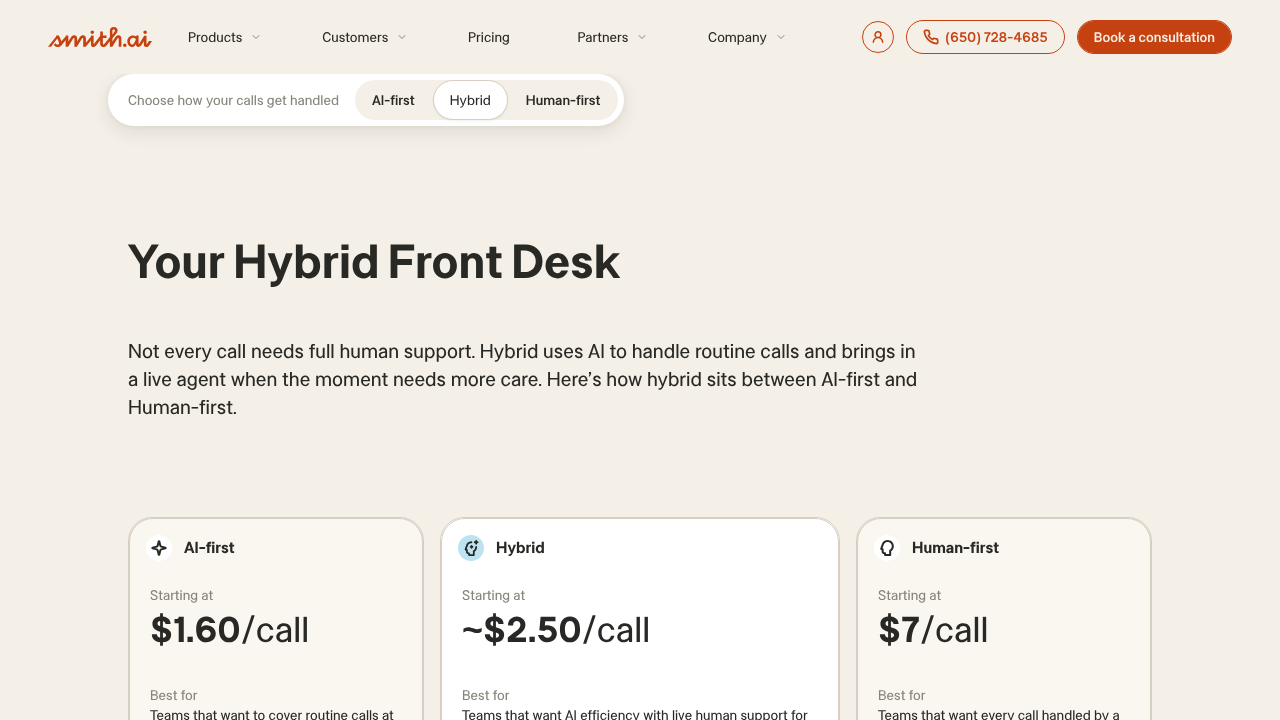
Smith.ai sells human, AI and Hybrid receptionist products separately. On the Hybrid product, a preset called After Hours Only puts people on your calls during business hours and AI on them after closing, and you configure when an AI call escalates to a live agent.
What can you do with Smith.ai?
- Use the After Hours Only preset to assign daytime calls to people and closed-hours calls to AI.
- Configure AI calls to escalate to a live agent when the conditions you set are met.
- Have every first answer, day or night, taken by a person on the separate human receptionist product.
- Have callers qualified and routed, with recording, transcription and call summaries on the AI receptionist product.
- Book through Calendly, Acuity, Appointy or Harmonizely when a person answers on the human receptionist product, with custom calendaring available separately.
- Use bilingual answering, intake and warm transfers on the human receptionist product for callers who need more than a message.
What are Smith.ai’s limitations?
- The After Hours Only preset answers with AI after closing unless you’ve configured live escalation, so a person isn’t on every overnight call.
- AI scheduling through Calendly and similar tools is listed on Smith.ai’s separate AI receptionist product, so booking by the after-hours AI on the Hybrid preset may not be included.
- Human scheduling and complex calendaring can add per-call charges beyond the answering allowance.
- The Hybrid starting rate is illustrative and moves with the share of calls that people handle.
How does Smith.ai’s pricing work?
Smith.ai prices each model separately. Human answering starts at $300/mo for 30 calls. The AI receptionist product’s first paid plan is $150/mo for 75 calls. The Hybrid after-hours preset starts at an indicative $3.70/call, which shifts with your human/AI mix rather than settling into a fixed monthly quote. On calls a person handles, booking can add a per-call charge.
The bottom line
Smith.ai fits when you want to decide which closed-hours AI calls can reach a live agent, and under what conditions. If a person should answer every overnight call, its separate human receptionist product is the route, at the human price.
6. Abby: Best for combining human and AI coverage in one minute balance
Abby offers human, AI and combined coverage. The combined service runs on one balance of minutes, which Abby calls Abby Minutes. Routine after-hours requests handled by AI and conversations handled by a person draw from that balance at different rates, and you set the split.
What can you do with Abby?
- Forward calls during the hours you choose, when the line is busy, or after a set number of rings, covering closed hours and daytime overflow with one setup.
- Reserve new-client or sensitive conversations for people while AI handles routine calls in the combined service.
- Have AI pass complex calls to a person under the handling arrangement you’ve configured.
- Use human receptionists 24/7 with custom answering hours and no after-hours or weekend surcharge.
- Have people take messages, book appointments and escalate urgent calls according to your instructions.
What are Abby’s limitations?
- A human minute uses the shared balance twice as fast as an AI minute, so the more calls people take, the less cover the package buys.
- Direct booking may not be available for your particular calendar.
How does Abby’s pricing work?
Abby starts at $164/mo for 50 Abby Minutes. A human minute consumes one Abby Minute and an AI minute consumes half, so the same 50 stretches further when AI takes more of the routine calls. Overage follows the plan’s Abby Minute rate. There’s no setup fee, and terms are month to month.
The bottom line
Abby fits when you want people and AI handling different after-hours calls under one shared balance. The value turns on your expected split. If most closed-hours calls are routine and AI takes them, 50 Abby Minutes goes a long way. If people take most of them, it behaves much more like 50 ordinary minutes.
7. Moneypenny: Best for handling bilingual after-hours calls with live receptionists
Moneypenny now runs the answering service that used to be sold as VoiceNation. Its live receptionists answer 24/7, handle bilingual callers and work from your custom scripts, all on no-contract terms. It also sells a separate AI answering service, billed per call, whose lower price doesn’t include a live receptionist.
What can you do with Moneypenny?
- Have people answer your calls 24/7 on the People Answering service.
- Use custom scripts so receptionists follow your call-handling instructions.
- Support bilingual callers on the human service.
- See human-service activity through the mobile app and dashboard, plus supported CRM connections.
- Use the separate 24/7 AI Answering service with its own reporting dashboard.
- Get human escalation included on the AI service.
What are Moneypenny’s limitations?
- The live plan bills included minutes plus paid extra minutes, so call duration affects what you pay.
- Moneypenny doesn’t spell out what triggers an AI call’s escalation to a person or how appointments get into your calendar, so neither is a given.
How does Moneypenny’s pricing work?
Moneypenny prices its two US products separately. People Answering starts at $165/mo for 50 minutes, then $2.85/min. AI Answering starts at $99/mo for 50 calls, then $2.39/call. Both are no-contract.
The bottom line
Moneypenny fits when bilingual callers need to reach a live receptionist outside your working hours and you want that without a contract. Its AI service is a separate, lower-priced option with escalation, but the human service is the reason it’s on this list.
Define what happens to each call before you hand it over
Whichever service you choose, it works from the instructions you give it.
So before you switch forwarding on, write down when calls move, what a routine call should finish, who takes the urgent ones and who owns what’s left when you reopen. Those four answers are your coverage brief, the document you hand to a provider. The steps below build it one answer at a time.
Set the hours and forwarding triggers
Start with the window. Record exactly when calls should leave your line and go to the service:
- Evenings, from what time, in which time zone
- Weekends, both days or Saturday afternoon onward
- Holidays, as a list, because providers won’t guess yours
- Busy or unanswered during the day, if you want overflow as well
That last one is a different trigger. Forwarding every call from 6pm is a time window. Forwarding only when nobody picks up by the fourth ring is overflow. Decide whether you want one or both, because they’re configured separately and some services treat them differently.
Then write down who answers in each window. Your own front desk takes the day. After 6pm the route you chose takes over, whether that’s people, AI or voicemail. Spell it out, because it’s easy to assume daytime staffing simply carries on overnight and find out otherwise on a Tuesday night.
If what you really need is reception all day, the comparison widens to virtual receptionists for small businesses and after-hours coverage becomes one part of that choice.
Name one person who can change exceptions, like an early close or a holiday. The window and the triggers you’ve recorded are your coverage schedule, and they raise the next question.
What should a routine call actually finish?
Define a completed booking in your software
Name the software and the action. “Book a new patient in Jane App, our booking software” or “move an existing time in Google Calendar” is a requirement. “Handle appointments” isn’t.
Then separate three results:
- A captured request, where the caller’s details and preferred time are written down for you to act on
- A self-service link, where the caller is sent somewhere to book themselves
- A completed booking, where the appointment is written into your calendar on the call
Only the third is a finished result instead of a task to chase.
Each result maps to a workflow. A captured request works with any live receptionist. A booking made inside your own booking system needs one of three things:
- A booking tool the service already works in
- A human specialist logged into your account
- A configured AI with an open or custom API route into your software
Which of those a provider offers for your particular system is the question to ask.
Three checks keep the requirement honest:
- Can the service read your availability, or only take a preferred time?
- Can it change an existing appointment, or only create one?
- Does the caller leave with a confirmation, or a promise?
Write the requirement as one line that names the software, the action and what counts as done.
Not every call can end in a booking, though.
Assign urgent calls and unanswered transfers
Decide what counts as urgent before the service decides for you.
Write the situations that qualify. For a clinic, that might be a patient who says they’re in pain and needs the first slot tomorrow. For a plumber, water where water shouldn’t be. For most businesses it’s a short list, and the point of writing it down is that routine requests stay off it.
A reschedule at 9pm shouldn’t ring the on-call person.
Then name the recipient and the fallback:
- Who takes urgent calls, by name and number, in each window
- When the handoff happens, right away or at an agreed hour
- If unanswered, where the message goes and who owns the follow-up by what time
That third line is the one most briefs skip. A transfer to a person who doesn’t answer is a dropped call unless you’ve said what happens next. Define it with the service, as a destination and a named owner, rather than assuming a retry or a response-time promise exists.
Written down, the rule says which callers interrupt, who they interrupt and what happens when nobody picks up. Now you have everything you need to compare costs.
Compare the bill and the follow-up your team keeps
Compare every provider at the same scope. Bring your own numbers:
- Approximate after-hours calls per month
- Typical call length in minutes
- How many calls need a booking, and how many need an escalation
- Setup fees, included minutes or calls, extra-use rates and the add-ons your booking requirement needs
Run each provider against that load. A $99/mo plan with 50 minutes, a $99/mo plan with 50 calls and a $129/mo month-to-month add-on with 100 minutes are three different amounts of cover once your call length is in the picture. Minutes punish long calls, per-call pricing punishes volume and a blended balance depends on who answers.
Then compare the other half, the work your team keeps. For each provider, list what comes back to you on reopening:
- Messages to return
- Captured requests still to book
- Transfers nobody caught
A configured calendar change already happened, so it stays off that list. Everything on the list needs an owner. Name the person who returns the callbacks and books the captured requests, and the inbox or dashboard where those messages arrive, so the follow-up has a destination before your first closed evening.
The right service is the one where the next action is already obvious when you walk in on Monday, and the bill reflects the calls you actually get.
Why 500+ businesses trust Smiledog with their front desk
A voicemail to return. A reschedule nobody entered. An urgent call that reached no one. How much of that is still yours on Monday comes down to the service you choose.
That’s the front desk work Smiledog takes off your plate.
Smiledog is a full suite front desk service for small businesses and clinics, trusted by over 500 businesses. With Smiledog, you can:
- Have appointments booked inside your own software, by scheduling specialists during live hours and by a configured AI receptionist through an open or custom API after closing
- Pair 100% Canadian-based receptionists on daytime calls with managed AI answering and routing after hours, so callers get an answer whether you’re open or closed
- Hand AI setup, monitoring and maintenance to a dedicated specialist, so there’s no software for you to run
Bring your coverage hours, rough call volume, booking software and urgent-call rules to a free consultation, and we’ll walk through how each piece gets covered.
All provider context in this resource is based on information available as of November 2026. Product details, pricing and availability may change.
Sources:
- https://www.answerconnect.com/services/answering-services/after-hours-answering
- https://www.answerconnect.com/services/appointment-scheduling
- https://www.answerconnect.com/view-pricing
- https://www.patlive.com/solutions/after-hours/
- https://www.patlive.com/pricing/
- https://www.ruby.com/answering-service/
- https://www.ruby.com/plans-and-pricing/
- https://smith.ai/pricing/hybrid-ai-human-receptionists
- https://smith.ai/pricing/receptionists
- https://smith.ai/pricing/ai-receptionist
- https://www.abby.com/use-cases/afterhours-overflow/
- https://www.abby.com/pricing/
- https://www.moneypenny.com/us/phone-answering-service
- https://www.moneypenny.com/us/pricing