
An answering service can sell to Canadian businesses without anyone on its phones being in Canada.
The site has a Canadian page and a Canadian number, but the people who pick up can be working from the US or overseas. They can be good at the job and still be new to how your callers talk.
A receptionist based here already knows the place names, the slang and the local turns of phrase, and has the accent your callers hear every day.
So where are the people answering your phones actually based?
A Canadian landing page won’t tell you.
Comparing the best answering services in Canada takes four separate checks:
- Where the people answering your calls are based
- Whether a person or an AI answers at the hours you need
- What’s finished by the time the caller hangs up
- Whether you can pay in Canadian dollars
Here, “in Canada” means the service sells to Canadian businesses. Where its people answer from is a separate question.
In this guide, we’ll cover:
- 5 answering services that sell to Canadian businesses, and the situation each one fits
- How human cover, AI cover and paid booking add-ons change what an advertised offer includes
- How to match an offer to your province, time zone, budget and booking software
But first, let’s settle which front-desk jobs you’re actually handing off.
What do you need an answering service to handle?
You need an answering service to handle the front-desk jobs you can’t get to yourself. That usually comes down to three:
- Covering calls you can’t pick up, whether that’s overflow, after hours or all day
- Taking accurate messages and getting urgent requests to the right person
- Booking, rescheduling or cancelling appointments in a calendar or booking software the service supports
But a call answered isn’t a task finished.
When a service only takes a message, the work comes back to you. You make the callback, and your staff still enter the appointment.
Who picks up sets the hours you’re covered and how much setup lands on you:
- Live people, who answer during their staffed hours
- A managed AI service, which the provider builds, maintains and monitors
- A self-serve AI tool, which you train and configure yourself
A provider’s human hours and AI hours can differ, so check each set of hours on its own.
For each of the 5 services below, look at whether your business can buy it, who answers and where they’re based, which hours they cover in your time zone, what you’d pay, and whether the work gets done in your booking software.
5 best answering services for Canadian small businesses
All 5 sell to Canadian businesses. Where they differ is who answers and from where, which hours they cover and what gets finished on the call.
Here’s how they compare:
| Service | Best for | Who answers | Pricing |
|---|---|---|---|
| Smiledog | Completing scheduling in your own booking software | Canadian-based receptionists in the daytime, managed AI after hours | From CA$199/mo billed annually, or CA$249/mo month to month |
| AnswerConnect | Having a person answer overnight calls | Live people, 24/7 | Quote-based |
| Telelink | Getting urgent messages to the right person at any hour | Canadian-based live agents, 24/7 | From $275/mo |
| Everhelp | English and French answering, plus follow-up calls to your customers, such as appointment confirmations | Agents answering in English or French, 24/7 | Quote-based |
| Jodie | Self-serve AI that books into a Google or Outlook calendar | AI you set up yourself | From CA$99/mo, or CA$199/mo with booking |
1. Smiledog: Best for completing scheduling in your own booking software
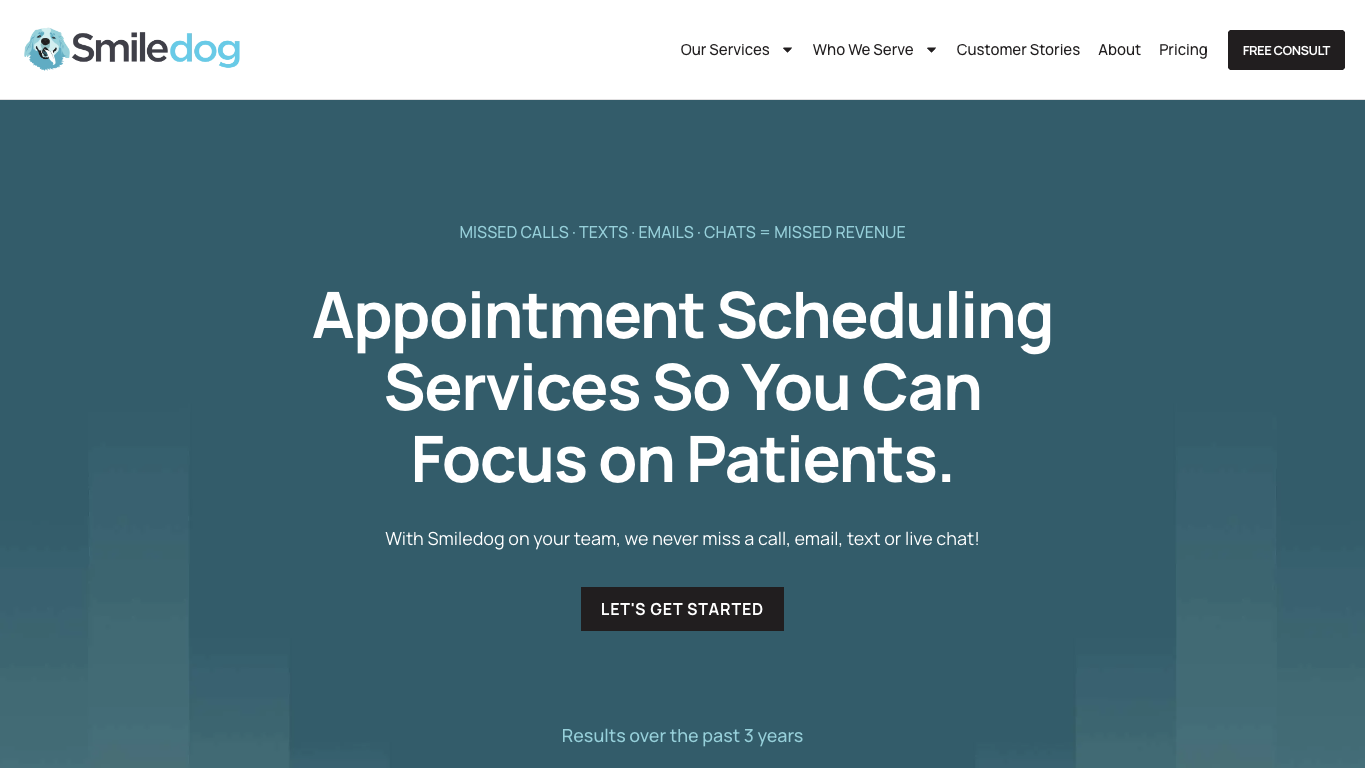
Smiledog is a full suite front desk service led by our scheduling specialists, who book, move and cancel appointments inside your own booking software.
Dedicated Canadian-based receptionists cover your daytime calls, a managed AI receptionist answers after hours, and we work with businesses across Canada.
What can you do with Smiledog’s daytime receptionists and after-hours AI?
- Hand off bookings, reschedules and cancellations to scheduling specialists who log into your booking system and make the change on the call, so you get a finished result instead of a message to chase
- Keep waitlists moving across multiple staff, schedules and locations without your team working out who’s free where
- Cover daytime and overflow calls with dedicated Canadian-based receptionists during live hours, so the phone stops interrupting paid work
- Answer routine after-hours calls with a managed AI receptionist that routes callers and messages to your team, so you don’t open the day to a full voicemail
- Leave the AI build, maintenance and monitoring to us, so you’re getting a managed service instead of another piece of software to run
What are Smiledog’s limitations?
- Live receptionists answer Monday to Friday from 7:30 a.m. to 8 p.m. and Saturday from 9 a.m. to 5 p.m. Eastern, not 24/7.
- Scheduling specialists work in the booking systems we support, so we confirm yours on a consultation call before you start.
- For the AI receptionist to book, reschedule or cancel directly in your booking software, we build a custom connection to it, sold as a separate add-on.
How does Smiledog’s pricing work?
Live reception starts at CA$199/mo billed annually, or CA$249/mo month to month, with 100 minutes included. Month to month, having scheduling specialists work in your booking software brings that to CA$329/mo, the after-hours AI receptionist adds CA$179/mo, and the custom booking connection adds CA$97/mo.
Minutes are tracked by the second, spam calls are never charged, and your rate steps down as your volume grows. These are our Canadian-dollar prices, and pricing varies by region.
The bottom line
Smiledog is a strong fit when you want front-desk help that finishes the calendar work and runs your after-hours AI for you. We customize your call handling upfront, so our team books appointments and answers callers the way in-house staff would, as a trusted partner for your front desk.
2. AnswerConnect: Best for having a person answer overnight calls
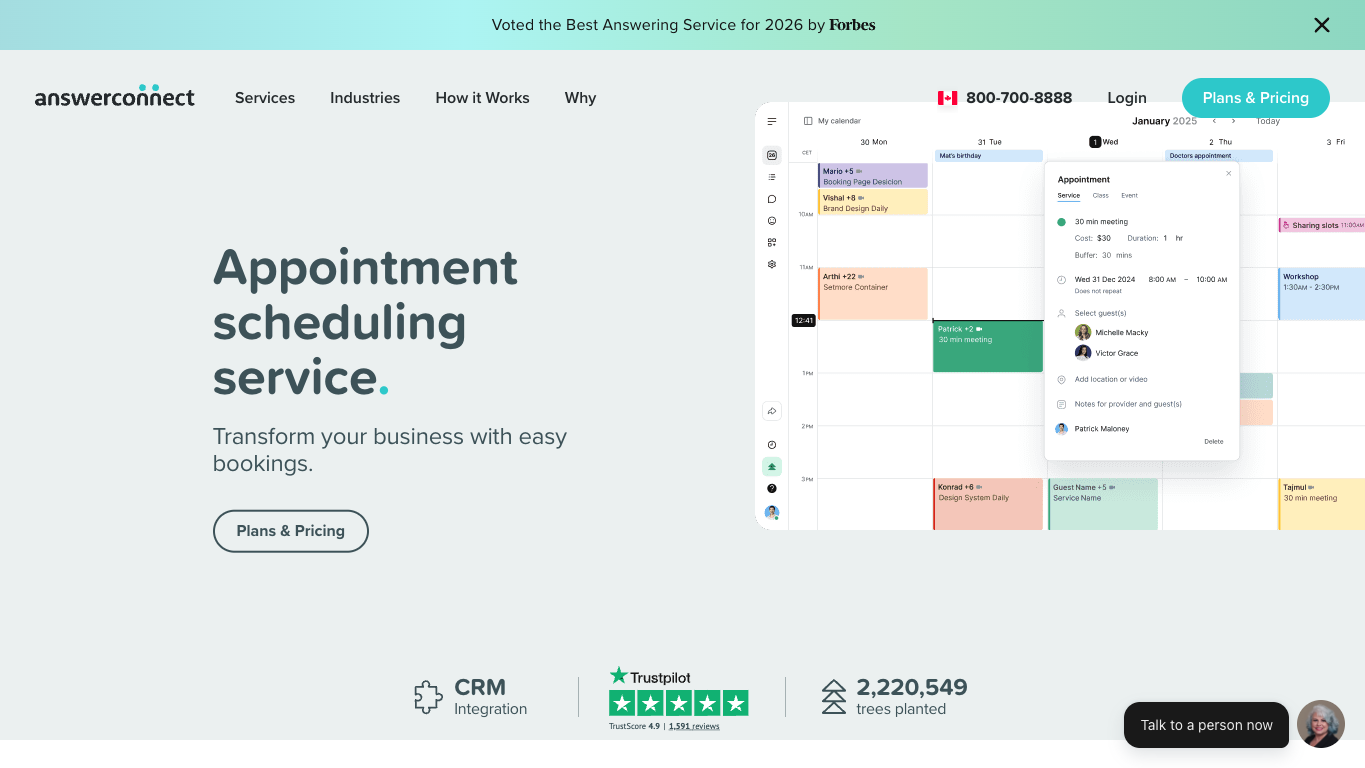
AnswerConnect is a live answering service that sells to Canadian businesses and keeps people on the phones 24/7. Its team can also book appointments for your callers, either in a scheduling app it includes or in a supported online calendar you already use.
What can you do with AnswerConnect?
- Have live people answer your calls 24/7, so someone phoning at 2 a.m. reaches a person instead of your voicemail
- Book appointments in Setmore, an appointment-scheduling app whose premium version AnswerConnect includes at no extra charge, synced with Google Calendar and Office 365
- Keep a supported online calendar you already use and have appointments booked there instead of moving to a new one
- Route after-hours calls, emails and chats to the destinations you choose, so each one lands with the right person on your team
- Pass caller details to the tools you already use for customer records or support requests, such as Salesforce, Zoho or Zendesk, or send them on through Zapier, a tool that links those details to other apps you use
What are AnswerConnect’s limitations?
- AnswerConnect describes booking in Setmore and supported online calendars, so it may not extend to a specialized clinic booking system or every step of your scheduling workflow.
- AnswerConnect’s Canadian pages don’t say where the people answering your calls are based, so ask if a local voice matters to your callers.
- AnswerConnect’s Canadian pages don’t say calls can be handled in French, which matters if some of your callers expect to be served in French.
How does AnswerConnect’s pricing work?
AnswerConnect’s Canadian pages don’t publish a numeric price. Its after-hours page says the price depends on your call requirements, so you’d only see a monthly cost once a quote is built around your calls.
The bottom line
AnswerConnect is the stronger choice when a person answering overnight is the thing you can’t give up. It works best when your appointments already live in Setmore or a supported online calendar, because that’s where its team can book for you.
3. Telelink: Best for live answering with critical-message dispatch
Telelink offers Canadian businesses live answering 24/7, and says its agents are 100% Canadian-based. They get critical messages to the right person and handle calls such as registrations and orders, so a call ends with something done.

What can you do with Telelink?
- Have live agents answer your incoming calls around the clock, so a caller reaches a person whether it’s mid-afternoon or the middle of the night
- Get critical messages dispatched to the appropriate person on your team, so an urgent call doesn’t sit in an inbox until someone checks it in the morning
- Send overflow calls to Telelink when your staff can’t get to the phone, so a busy front desk doesn’t turn into missed callers
- Have registrations and reservations taken over the phone, so your staff aren’t pulled away from customers in front of them to take down the details
- Have orders taken from callers directly, so a customer who’s ready to buy doesn’t have to wait for a callback
What are Telelink’s limitations?
- Telelink’s pages don’t identify the booking systems it supports or show appointment changes being made in your own calendar, so you can’t tell from them whether its agents would work in your booking software.
- Telelink also mentions a separate AI voice-agent service, meaning software that answers calls instead of a live agent, but its pages don’t say which AI capabilities or terms apply to the live answering service.
How does Telelink’s pricing work?
Telelink’s packages start at $275/mo. Pricing is based on call volume, so what you’d pay above the starting package follows how busy your phone line is.
The bottom line
Telelink fits when calls come in at any hour and each one needs something done with it. A live agent can pass a critical message to the right person, take a registration or take an order while your own team is busy or off the clock.
4. Everhelp: Best for bilingual answering alongside outbound follow-up
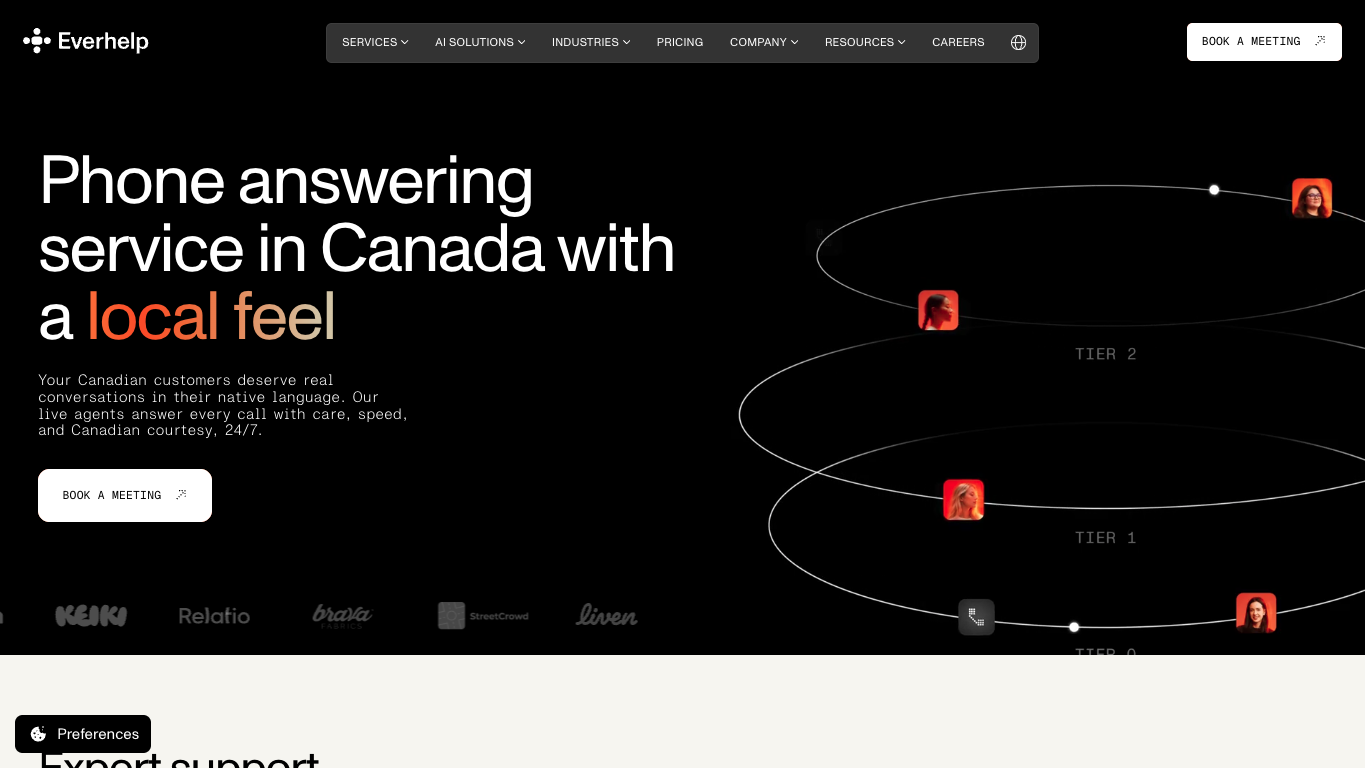
Everhelp’s phone answering service for Canadian businesses takes calls in English and French. Its outbound team also phones your customers to confirm appointments and check how satisfied they are, as part of a wider set of customer-support services.
What can you do with Everhelp?
- Answer callers in English or French, with more than 30 other languages offered for customers who’d rather speak something else
- Cover calls 24/7, including statutory holidays, so a long weekend doesn’t leave your phone line unanswered
- Have Everhelp’s outbound team call your customers to confirm appointments and follow up on satisfaction across Canadian time zones
- Tailor scripts and call routing to your business, so agents handle each kind of call the way you’d want it handled
- Connect customer information to the tools you use to store customer records or manage support requests, such as HubSpot or Zendesk, so what’s captured on a call can sit with the rest of that customer’s record
- Scale support resources up around your busy periods instead of staffing for the peak all year
What are Everhelp’s limitations?
- Everhelp’s pages describe scheduling support without naming a calendar or showing changes made directly in your booking system, so they don’t show an agent finishing a booking in your own software.
- Everhelp’s Canada page promises native-level English and French and describes a distributed team covering every Canadian time zone, but doesn’t name where its agents are based.
- Everhelp’s live answering, follow-up calls and AI options aren’t all mapped to individual plans, so its pages don’t tell you which of them a single plan includes.
How does Everhelp’s pricing work?
What you’d pay Everhelp depends on your call volume, the coverage you need and how you choose to set up the team handling your calls. Its pricing page describes monthly pricing for the setup you pick without showing a numeric rate, so there’s no public figure to plan around.
The bottom line
Everhelp is the better fit when your callers expect service in English or French and you also want someone phoning customers to confirm appointments and follow up. That pairing is its real draw, especially when phone cover is one part of wider customer support.
5. Jodie: Best for self-serve AI answering with Google or Outlook booking
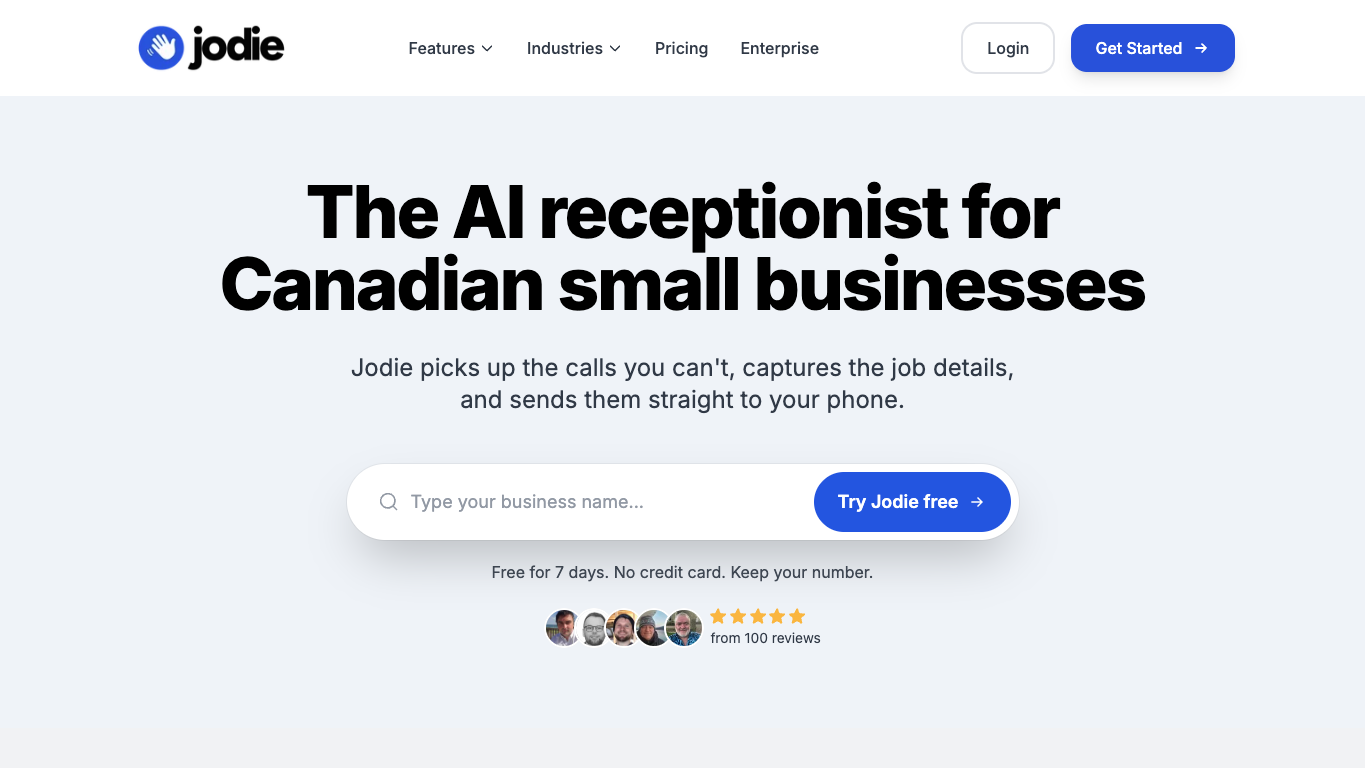
Jodie is a self-serve AI receptionist for Canadian small businesses. You set it up yourself and forward your calls to it, and on its higher-priced plans it can book appointments straight into a Google or Outlook calendar.
What can you do with Jodie?
- Forward calls from your business number and have them answered 24/7, or only when you’re busy or closed, so you choose when the AI steps in
- Train the AI on your website or business listing, your hours and your service area, so its answers match how you actually operate
- Capture caller details and transcripts, get notified about each call, and review call summaries, recordings and caller details in Jodie’s mobile apps
- Transfer selected callers to your team on its higher-priced plans, so a call that needs a person still reaches one
- Book appointments into your Google Calendar or Outlook calendar during the call on those same plans, with availability and gaps between appointments that you set
What are Jodie’s limitations?
- Jodie is built as an AI receptionist in place of live reception, so a caller who wants a person only reaches one when the call is transferred to your own team.
- Direct booking works with one Google or Outlook calendar at a time, and for other booking systems Jodie texts the caller a booking link instead of making the appointment itself.
- Jodie’s lowest-priced plan doesn’t include appointment booking or call transfers.
How does Jodie’s pricing work?
Jodie starts at CA$99/mo, billed monthly, for AI answering with unlimited minutes. Appointment booking and call transfers begin at CA$199/mo on monthly billing, so the starting price roughly doubles once you need the AI to book for you.
The bottom line
Jodie fits when you’re happy to set up and train an AI receptionist yourself and your bookings live in one Google or Outlook calendar. In that setup, the AI can answer your forwarded calls and put appointments straight into the calendar during the call.
Find an answering service that works for your business
Start with eligibility. A page aimed at Canadian businesses doesn’t settle whether the specific service or plan you want is available in your province, for your industry and for your business, so confirm that first.
Then match the rest of the offer to how you operate. That means your hours, languages and existing phone number, where the people answering are based, your monthly cost, and what happens to bookings, urgent calls and sensitive caller details.
Make sure the coverage fits your hours and phone line
Write down the hours you need covered in your own time zone, then check who answers in each one.
“24/7” doesn’t tell you whether a person or an AI picks up at 7 p.m. on a Saturday. And a service being sold in Canada doesn’t mean its people answer from Canada, or that it handles calls in French.
Pin these down before you look at price:
- The weekday, evening, weekend and holiday windows you need, in your local time
- Whether you expect a person or an AI in each window
- The languages your callers speak
- Where the people answering are based, if a local voice matters to your callers
- Whether you can keep your existing number, and how calls forward from it for full-time, overflow or after-hours cover
With those settled, you know exactly which hours and which kind of answering you’re paying for.
Work out what you’ll actually pay each month
Two offers can show the same dollar figure and still cost you very different amounts.
Why?
One plan counts calls and another counts minutes, so their allowances aren’t the same unit. A monthly-billed price isn’t the monthly equivalent of an annual plan, which only applies if you commit for the year. And some providers don’t quote in Canadian dollars or offer a way to pay in them.
So for the offer you’d actually buy, check that you can pay in Canadian dollars and whether it’s billed monthly or annually. Then run your expected call volume against the included calls or minutes, and add the charges beyond what’s included, any setup fee and any add-on for booking or extra coverage.
That total is your real monthly number, with one piece still open. A booking add-on depends on what the service does with your calendar.
Decide what happens to your bookings and caller details
Name the booking system you actually use, then test the offer with one reschedule.
A client calls to move Thursday’s appointment. Does the existing appointment get moved to a permitted slot during the call, or does a request get left for your staff?
The first is a finished change. The second is an answering service that captures the inquiry and hands the work back to you. Run the same test on new bookings, cancellations or waitlists only if your business needs them.
Then settle what happens when a call can’t be finished:
- Who receives an urgent or unresolved call or message
- Whether the call is recorded or transcribed
- Where those records are stored, and who can access them
Sensitive details travel with every handoff, so the offer should spell out how caller data is handled alongside the calendar result.
Why over 500 businesses trust Smiledog with their front desk
A reschedule that turns into a note for your staff, a missed call you return at lunch, a voicemail box that fills up overnight. Each one is front-desk work that’s still yours.
That’s the work Smiledog takes on.
Smiledog is trusted by over 500 businesses, and we’re built for clinics and small businesses that want calendar changes finished on the call.
With Smiledog, you can:
- Complete bookings and changes through scheduling specialists who work inside your own booking software
- Cover daytime calls with dedicated Canadian-based receptionists during live hours
- Add after-hours AI answering that we build and manage for you
To see how that would work for you, book a consultation and we’ll go through your booking software, the hours you need covered and your call volume.
All provider context in this resource is based on information available as of Nov 2026. Product details, pricing and availability may change.
Sources:
- https://www.answerconnect.com/ca/
- https://www.answerconnect.com/ca/services/appointment-scheduling
- https://www.answering.telelink.ca/site/answering-services-pricing-telelink-ppc
- https://www.ever-help.com/canada-phone-answering-service
- https://www.ever-help.com/pricing
- https://heyjodie.com/en-ca/
- https://heyjodie.com/en-ca/pricing/
- https://heyjodie.com/en-ca/features/appointment-booking/